
AI black-and-white photo colorization
Turn black-and-white photos to color in one click · smart cloud-AI colorization, ready to use
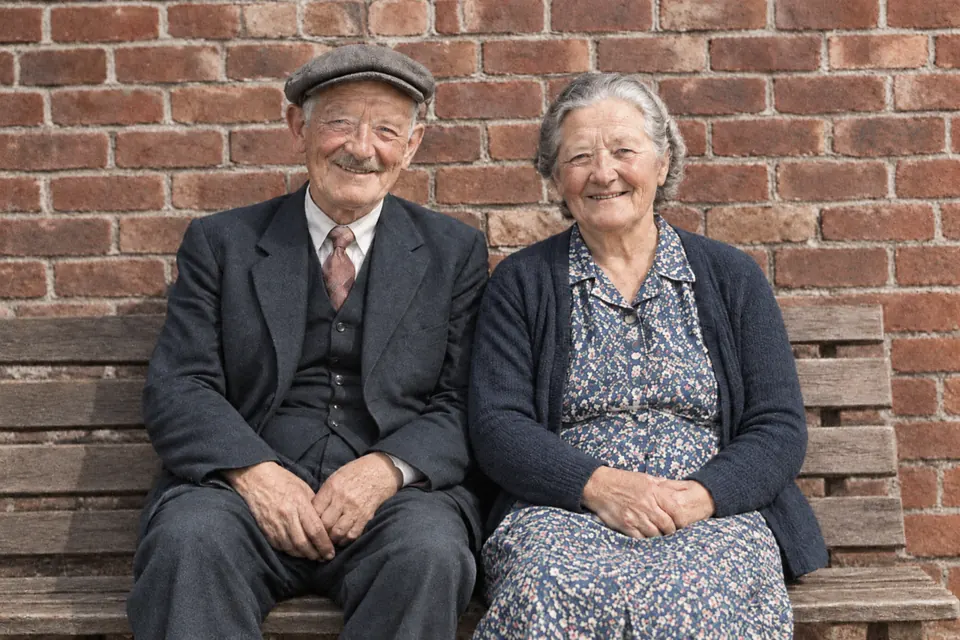
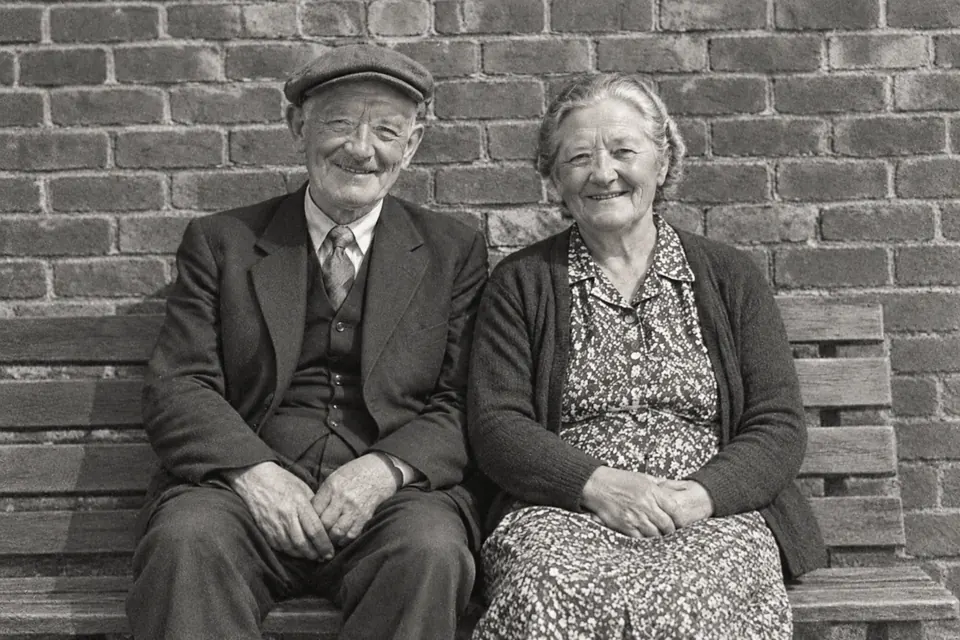 Original Result
 Want to bring color back to old black-and-white photos? TutuEdit's AI colorize adds color automatically based on what's in the picture, filling black-and-white photos with natural color — no painting by hand.
Colorization runs on cloud AI (photos sent over HTTPS and where they go is described in the privacy policy). For the most natural result, first use “Old Photo Restore” to remove scratches and fading, then colorize. Afterward you can fine-tune hue and saturation in the editor.
Key features
One-click smart color
AI colors the photo automatically based on what's in the picture — no painting by hand.
Natural skin tones
The aim is natural, true-to-life colour; if some part comes out wrong, say so in the chat or fix it yourself with Hue/Saturation.
Better with restoration
Restore first, then colorize — with scratches and fading gone, color transitions look cleaner.
Fine-tune after
The result opens in the editor for local tweaks with hue/saturation and the brush.
How to use
- 1 Open a B&W photoDrag the black-and-white photo onto the area above (or click to choose); it opens in the editor — on a computer the AI panel opens automatically, on a phone tap “Layer” in the bottom bar to open the panel drawer, then switch to the “AI” tab (the “AI” button in the middle of the bottom bar opens the assistant chat).
- 2 Run AI colorizeIn the AI panel click “AI Colorize” and wait for cloud AI to process it.
- 3 Review / fine-tuneReview the result and, if needed, touch up areas with hue/saturation and the brush.
- 4 Export or saveExport PNG / JPG. A local draft is saved automatically as you edit; once you sign in, your work is also saved automatically to your own cloud projects.
FAQ
- Is AI colorize free?
- Free, and usable right away. The editor itself is free and unlimited; colorization runs on cloud AI with no sign-up and free credits every day, and there's no key to set up. The result replaces the layer you selected, and Ctrl+Z undoes it.
- Does colorize upload my photo?
- AI colorize sends the photo over HTTPS for cloud processing and the privacy policy describes where it goes.
- Can I fix inaccurate colors?
- Yes. The result stays in the editor, so you can manually adjust local colors with hue/saturation and brush masks.
- Should I restore before colorizing?
- We recommend using “Old Photo Restore” to remove scratches and fading first, then colorizing, for more natural color transitions.
Try AI black-and-white photo colorization now
Cloud AI colorization · no sign-up, free credits every day · photos travel over HTTPS and where they go is in the privacy policy