
Online background remover
One-click AI background removal in your browser — portraits, products, ID photos — export transparent PNG
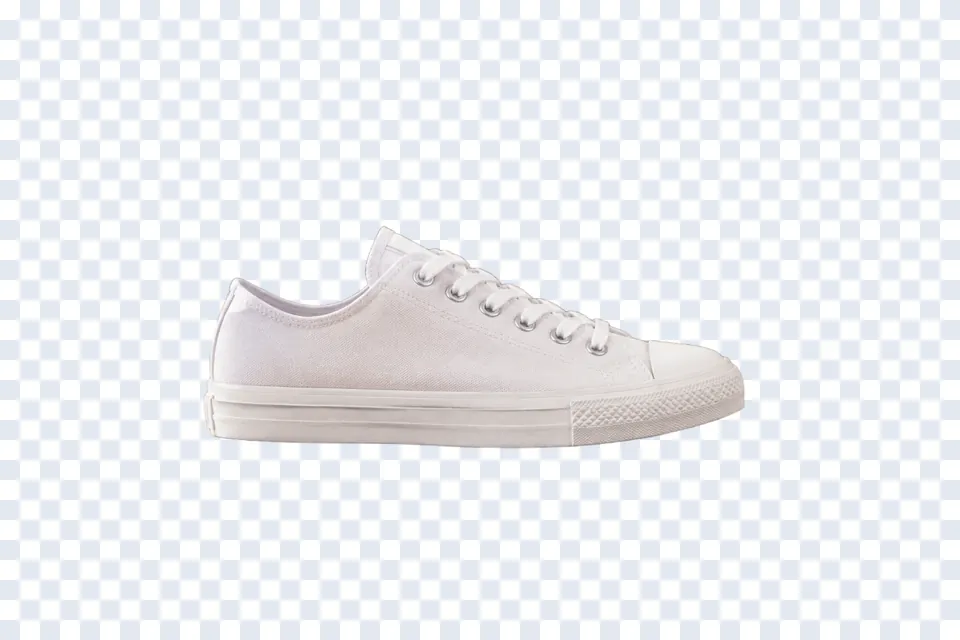
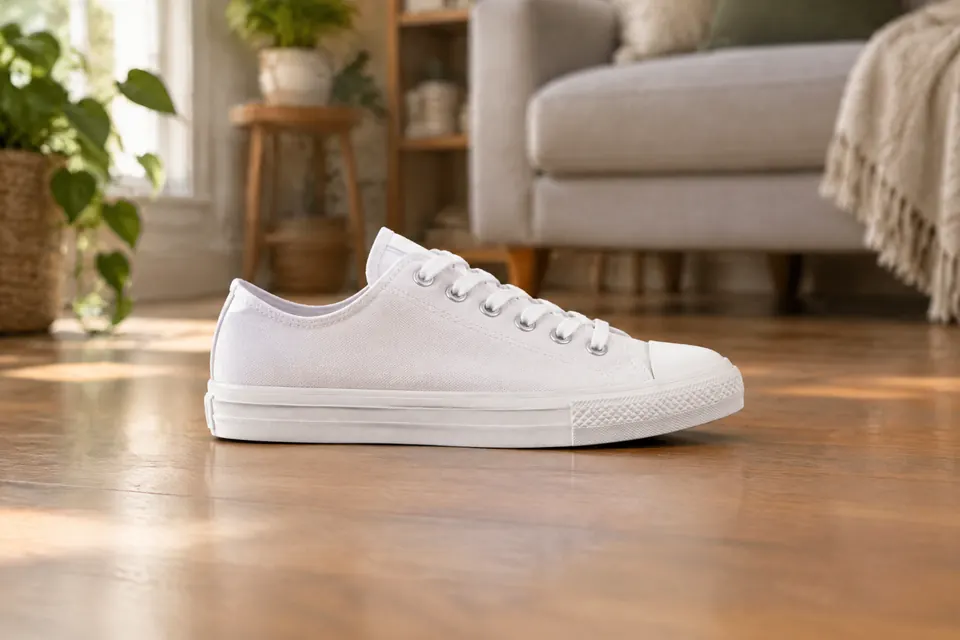 Original Result
 TutuEdit's background remover runs an in-browser AI model (WASM): open the page and remove an image's background in one click — no Photoshop or any install needed. The whole process runs locally in your browser; images are never uploaded, so your privacy is safer.
Once it's cut out, you can finish right on this page: “Background” offers transparent, white, blue, red or gray, “Feather” softens the edge from 0 to 10, and “Blur” blurs the original background instead of replacing it (it's a colour or blur, not both). A transparent result downloads as PNG; with a colour or blur it downloads as JPG. To put an image behind it or refine with layers and masks, open the full editor (“Pro editor”, top right) — e-commerce shots, ID-photo backgrounds and poster compositing carry on there.
Key features
One-click AI removal
Automatically detects subject vs background and cuts it out in one click, keeping fine detail even on tricky hair.
Runs locally, safer
The model runs in your browser; images aren't uploaded and nothing is kept after processing.
Swap background / export transparent
Transparent, white, blue, red or gray in one click; transparent downloads as PNG, a solid colour as JPG.
Fix it with a click
On the left image, click with “Magic wand” or “Quick select” to add and Alt+click to subtract; on the right, click any piece to delete it. If the selection gets messy, “Clear” starts over. Brushes and masks live in the full editor.
How to use
- 1 Add the photoDrag it in, click to pick one, or paste with Ctrl+V. No need to open the editor first — this page does the cut-out.
- 2 The AI has already done it“AI one-click” runs the moment the image lands, so the right-hand side is already the cut-out result. The first time, a model of about 100MB is downloaded — it can take half a minute — and then your browser caches it. Can't wait? Click “Don’t wait — use the magic wand”.
- 3 Touch up the edgesIf something is left over, click on the image with “Quick select” or “Magic wand” to add, Alt+click to subtract; the top shows what percentage is selected. Hard edges soften with “Feather”.
- 4 DownloadThere is one download button, and its label follows the state: with “Background” set to transparent it reads “Download PNG (transparent)”; pick a colour and it becomes “Download JPG”, flattened onto that colour; turn up “Blur” and it is also “Download JPG”, with the blurred original photo as the background. To keep working on it, “Pro editor” carries the current result into the editor.
FAQ
- Is the online background remover free?
- Completely free, no signup, no usage limits.
- Does it upload my photo to a server?
- No. The AI model runs locally in your browser; images aren't uploaded, so it's private.
- Which image formats are supported?
- Common formats like PNG, JPG and WebP; you can export a transparent PNG.
- Can it handle tricky edges like hair?
- The AI handles hair well. If anything's left over, click it on the left image with “Quick select” or “Magic wand” to add, Alt+click to subtract, and click a stray piece on the right to delete it; if the edge looks hard, raise “Feather”. For stroke-by-stroke work with brushes and masks, open the full editor (“Pro editor”, top right).
Try Online background remover now
No install · no sign-up · local stays local · free AI credits every day